
Setting up your telephony shouldn’t take a technician. In our console, each phone number is shown as a diagram: you see at a glance what happens to a call, and you change it right where you see it.
An inbound route at a glance
For each number, a clear diagram links the number, the opening schedule and the destinations: where the call goes during business hours, and where it goes when you’re closed.
- Pick an existing schedule, or edit business hours and exceptional periods.
- Send calls to a virtual receptionist, a queue, a voicemail or a user.
- The numbers on your account, main, toll-free or fax, are listed next to the diagram.
A virtual receptionist you build with ease
The voice menu is built the same way: the greeting, then the caller’s choices. Press 1 for sales, 2 for technical support, and so on.
- Add a choice in one click and pick its destination.
- Define what happens if the caller makes a mistake, doesn’t answer, or exceeds the number of tries allowed.
- Reuse the same menu for several numbers.
Why it’s simple
- Visual: a call’s path reads like a diagram, not a list of settings.
- Direct: you edit what you see, then save.
- Self-service: your team, or your reseller, can adjust routing without waiting.
Contact us to see the console in action.
In pictures
-
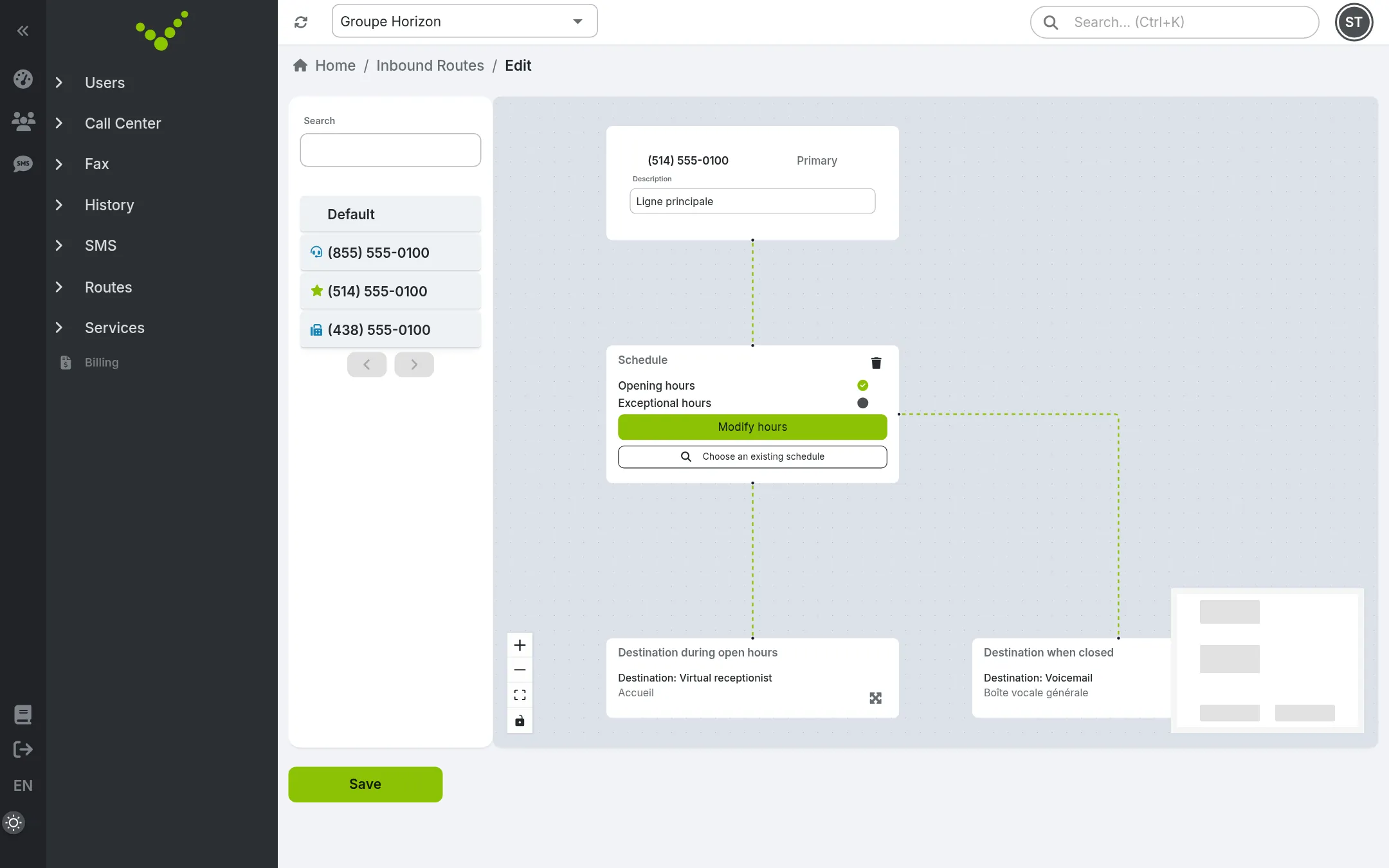
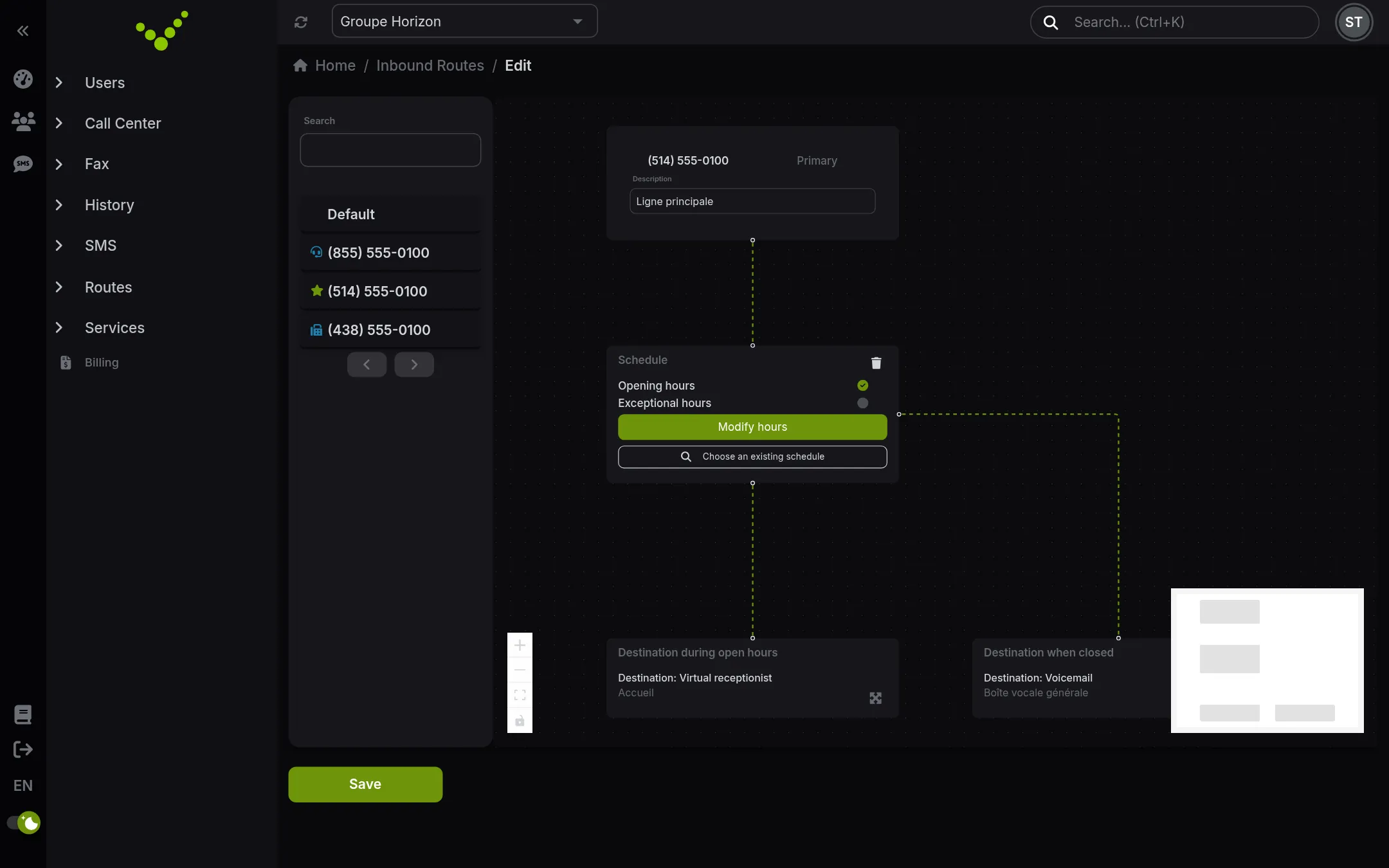
An inbound route: the number, the opening schedule and the destinations in a single diagram. -
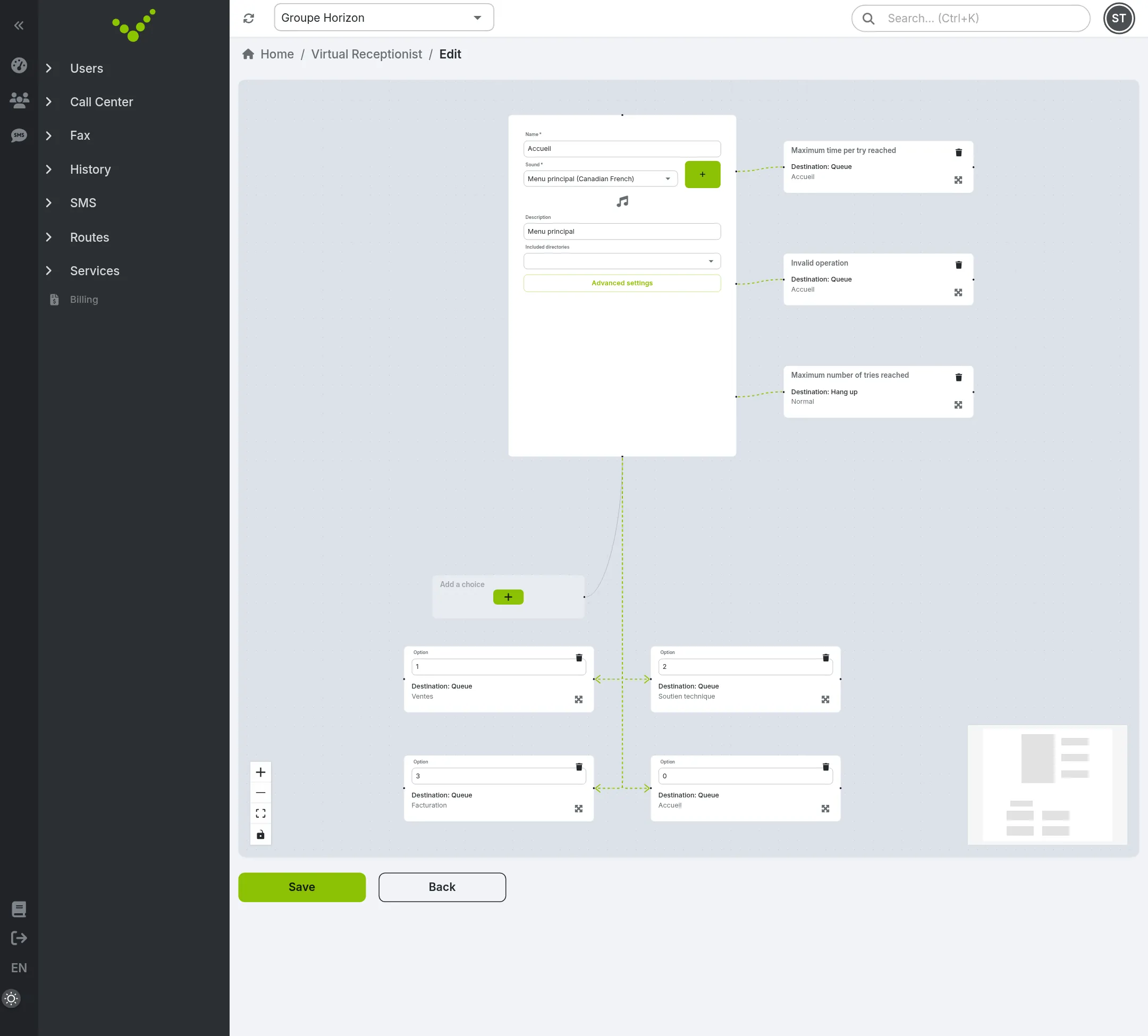
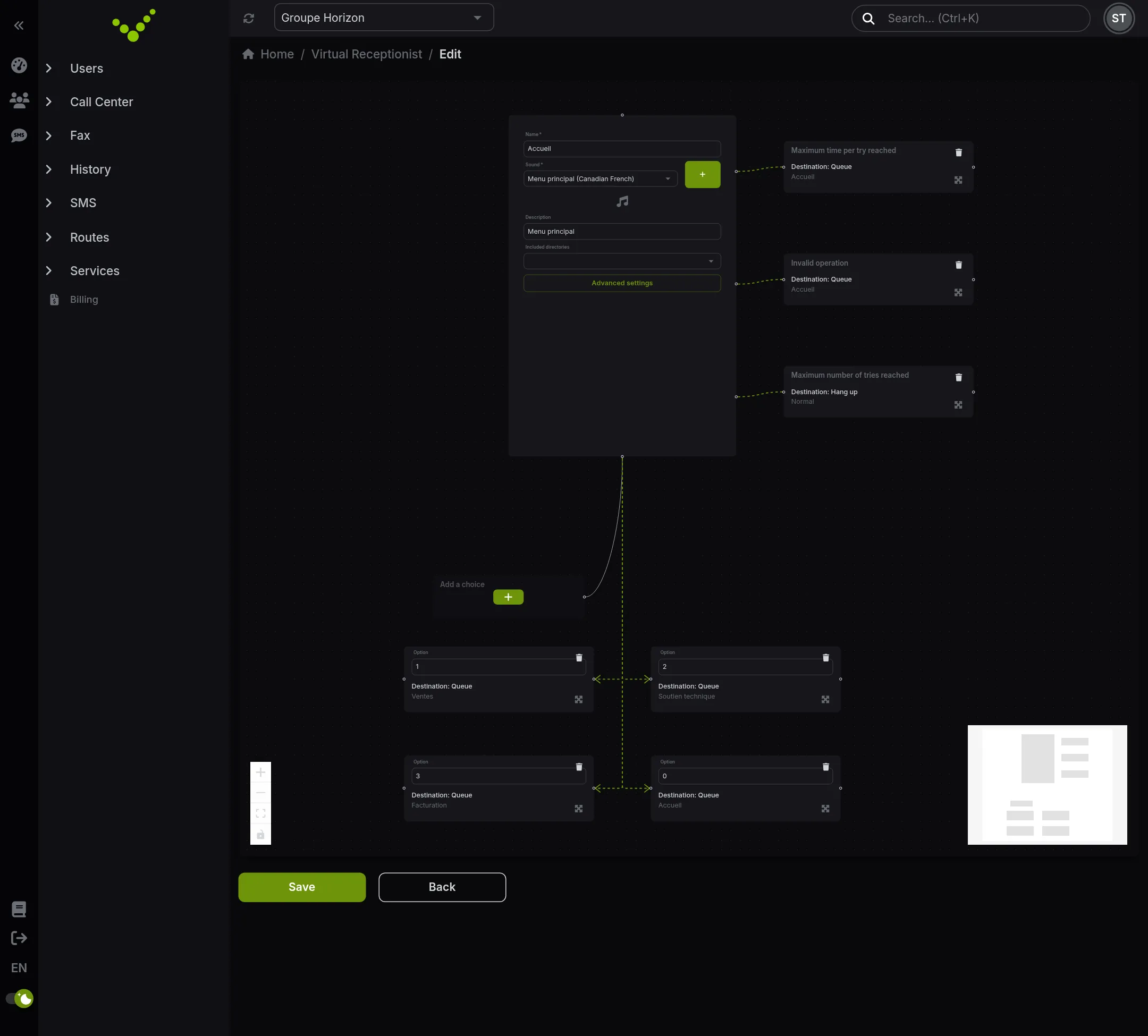
The virtual receptionist: the greeting, choices 1, 2, 3 and 0 and error cases, added in one click.
See it with your own numbers